
Reviews
Part of Free first: four columns for quiet keyboard buying
How to compare the total cost and service life of a quiet keyboard
A method for comparing a quiet keyboard's total cost per year using purchase price, service life, wear parts, accessories and return shipping.
What to take away
- Divide total cost by expected service life, then compare that figure.
- Service life drives the result more than sticker price. A board you cannot open ends at the first stabilizer rattle.
- Typical service life is about 5 to 8 years for a hot-swap board with replaceable stabilizers, and about 2 to 4 years for a sealed one.
- Include the mouse, the desk mat and the return shipping. They belong to the same spend.
- Expect a small measured return per dollar. That is normal here.
The five numbers to collect
- Purchase price, with shipping and sales tax.
- Expected service life in years, set by the parts you can replace.
- Wear partsstabilizers, switches, keycaps, cable.
- Forced accessoriestray, riser, desk mat, wrist support.
- Cost of being wrongreturn shipping, restocking fee, or the value of a board you stop using.
Five numbers to collect
- Purchase price with shipping and tax
- Expected service life in years
- Cost of parts that wear
- Cost of forced accessories
- Cost of being wrong
Add them, then divide by service life. Compare that number across candidates.
A cheap board that cannot be opened often loses here. One stabilizer rattle ends its useful life.
Repairable boards take their life from parts you can replace. Hot-swap sockets and a small spares box explains how to build that reserve before you need it.
A worked example with typical figures
The figures below are typical ranges for a mid-priced mechanical board bought new in the United States, not quotes from a seller. No model is named because listing prices move within weeks. The arithmetic travels.
Worked example with typical figures
Hot-swap board, 75 percent
- Purchase price, tax and shipping
- $110
- Spare switches and stabilizers
- $25
- Desk mat and wrist support
- $30
- Return shipping if the sound fails
- $15
- Total outlay
- $180
- Service life
- 7 years
- Cost per year
- About $26
Sealed board, full size
- Purchase price, tax and shipping
- $55
- Spare switches and stabilizers
- Not replaceable
- Desk mat and wrist support
- $30
- Return shipping if the sound fails
- $15
- Total outlay
- $100
- Service life
- 3 years
- Cost per year
- About $33
The sealed board costs less on the day and more per year. That gap is the argument for running the numbers at all.
Add a $40 stabilizer repair in year four of the hot-swap board. Total outlay rises to $220 and cost per year lands near $31, still under the sealed board. Repairability is the thing you are paying for.
Lines that recur behave differently from lines you pay once. Budgeting without fuzzy numbers splits the two so the annual figure stays honest.
How much improvement a dollar buys
Be honest about the size of the return. A network meta-analysis of twenty-three randomised trials of active workstations covered 1,428 office workers. It found that multicomponent interventions, sit-stand workstations with prompts, and sit-stand workstations alone all cut work-specific sedentary time against a typical desk.
The strongest results combined equipment with reminders. Carry that pattern into your ceiling price. Paying more per year buys a small, real improvement, not a transformation.
Service life for hot-swap and sealed boards
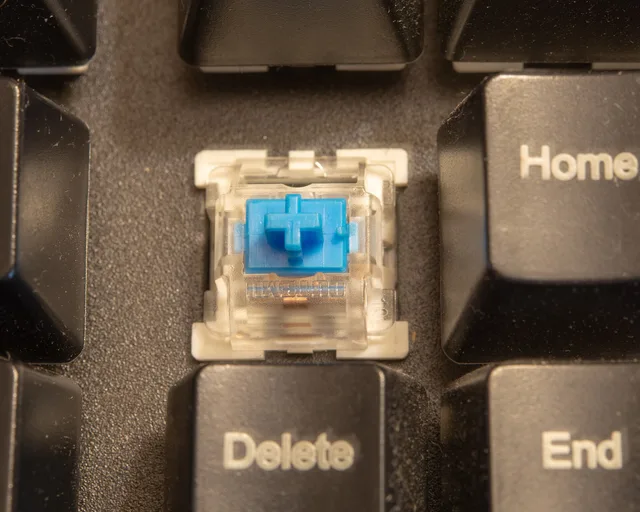
Hot-swap sockets turn a dead switch into a part costing a few dollars. Replaceable plate-mount stabilizers do the same for rattle. Boards built this way commonly reach 5 to 8 years of daily office use, and longer if you keep spares.
Sealed boards cover most rubber dome and scissor models. They cannot be opened for repair. Expect 2 to 4 years, ending when a dome collapses or a key stops registering. Wikipedia's summary of keyboard switches sets out how silent variants differ in mechanism.
Wear parts set the number, and so does upkeep. A short seasonal check of stabilizers and keycaps keeps a serviceable board near the top of its range. Silent workspace fixes loosen with time, so a dated maintenance plan earns a place next to the parts budget.
Do not compare the keyboard alone
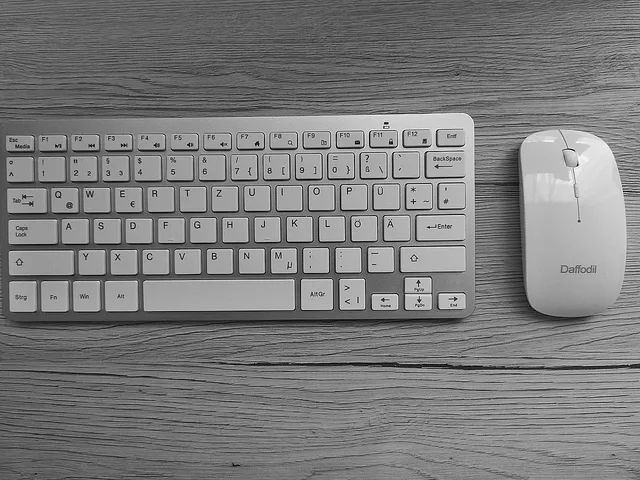
The pointing device shares the budget and the desk. OSHA's pointer and mouse guidance says to keep the device close to the keyboard, alternate hands, and use shortcuts to cut long stretches of pointing.
A keyboard that pushes the mouse away makes you buy a tray or a smaller board to fix a problem it created. Price the pair in one table.
Filling the table on the day you buy
- Price the board and the mouse in the same sitting.
- Write unknown where a seller does not publish serviceability, switch type or stabilizer mounting.
- Treat unknown as a short assumed life, not a neutral entry.
- Recheck totals within a week of buying, because prices in this category move.
The columns that do not move, service life and wear parts, decide the outcome anyway. Prices on the day only set the first line.
Fill the sheet once and keep it. The same layout works for a second board or a replacement mouse. If a column keeps reading unknown, the ten-question cost checklist before buying forces the gaps into the open before you pay.