Guides
Part of Quiet mechanical keyboards: where the sound comes from
A buyer checklist for quiet mechanical keyboards, from switch feel to price
A checklist for buying a quiet mechanical keyboard: what to measure in your own room first, what to ask a seller, and which answers should stop the purchase.
A checklist for quiet mechanical keyboards, from switch feel to price, is only worth having if some answers can stop the purchase. Work through it in order. The early items decide whether the later ones matter at all.
What to take away
- Settle the room before the board. If the desk resonates, a quieter keyboard will not fix the complaint.
- Height and slope beat switch choice for comfort. A board at the wrong height undoes a good switch.
- Match switch feel before brand. Cherry MX Silent Red is linear and silent at 45 cN. Gateron Silent Brown is tactile and silent at about 55 g.
- Ask sellers for return terms in writing before asking about sound. Sound is the item you are most likely to judge wrong from a video.
- Budget for three parts: board, switches, keycaps. A Glorious GMMK Pro barebone often costs $169.99. Silent switches add $40 to $80, and keycaps add $30 to $100.
- No keyboard here has been bought, opened or measured by this site.
Step one: describe the complaint precisely
Write down who is bothered, where they stand, and which sound bothers them. A partner in the next room and a colleague on a call are two different problems with two different fixes.
Low-frequency thud travels through the desk and floor. High-frequency click travels through air and gets picked up by microphones. If you cannot say which one you have, start with the guide to where keyboard noise comes from.
Step two: measure your own workstation
Measure your own workstation
- Seated elbow height, measured with your shoulders relaxed and your upper arms hanging.
- Desk surface height, and whether a tray can go lower.
- Free depth in front of the keys, since your forearms need somewhere to land.
- Available width, including the mouse.
Cornell's ergonomics group says the target is a keyboard below seated elbow height, with the base sloped gently away from you.
Measure Your Workstation
- Seated elbow height, shoulders relaxed
- Desk surface height and tray clearance
- Free depth in front of keys
- Available width including mouse
Its page on neutral posture typing explains why a keyboard flat on a desk makes that hard. The forearms sag as they tire, and the wrists bend up to compensate.
Step three: the equipment questions
OSHA publishes a purchasing checklist for computer workstations worth borrowing. Its keyboard items cover fit, not sound. A split board can make a neutral wrist easier to hold.
It advises at least six feet of cable so the board can sit where you want. Add the sound questions after those.
Questions to Ask the Seller
- Are long keys stabilized and serviceable?
- Can switches be swapped without soldering?
- Is there material inside the case?
- What is the return window and shipping cost?
Switch feel: what to pick, and what to skip
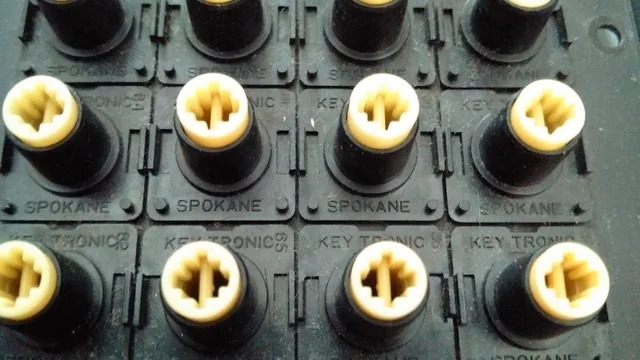
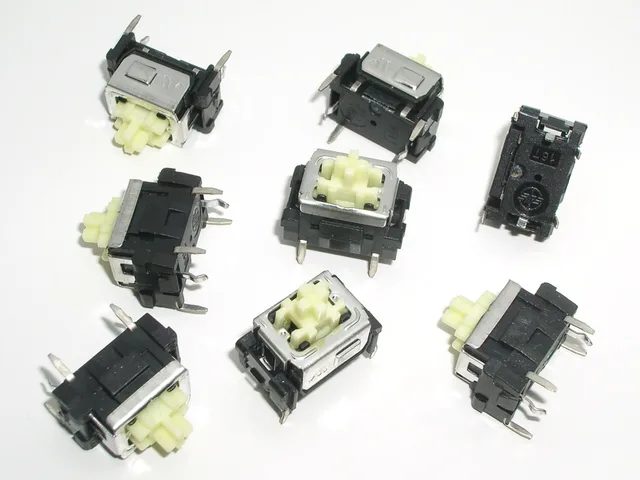
Start with the switch type. Silent linear switches have no bump. Cherry MX Silent Red is common, with 45 cN actuation and 3.7 mm total travel. Gateron Silent Red is a cheaper linear option, often $0.30 to $0.50 per switch.
Silent tactile switches keep a bump but add rubber dampening. Gateron Silent Brown has a small bump and about 55 g bottom-out. Gazzew Boba U4 is a firmer silent tactile at about 62 g, often $0.65 to $0.85 each. Zeal PC Zilent V2 is a costlier silent tactile, usually $1.20 to $1.50 each.
Clicky switches defeat the purpose. Kailh Box Navy and Cherry MX Blue add a metal click that travels through air and microphones. For feedback without the click, pick a silent tactile switch.
Topre switches use a rubber dome over a conical spring. The HHKB Professional Hybrid Type-S is a silenced 45 g Topre board. The Realforce R3 Silent is another. They feel softer than MX switches and cost $300 to $400.
Weight matters. A 35 g to 45 g spring is light and can encourage bottom-out. A 50 g to 62 g spring is medium. A 65 g spring and above slows fingers but tires them.
Keycaps and stabilizers change pitch. Thick PBT keycaps from Keychron or Drop often cost $30 to $80 and lower the sound. Lubed stabilizers cut rattle on the space bar, shift keys, and backspace.
Price: what quiet mechanical keyboards cost in 2026
Prices below are typical U.S. street prices as of 2026. Sales, import fees, switches, and keycaps move them.
- Royal Kludge RK84a 75% hot-swap wireless board, often $60 to $80 before silent switches.
- Akko 3068B Plusa 65% hot-swap wireless board, often $70 to $90.
- Keychron Q1 Proa 75% aluminum board with QMK and VIA, about $169 barebone or $199 assembled.
- Ducky One 3 or Varmilo VA87M with Cherry MX Silent Redoften $120 to $170.
- Glorious GMMK Probarebone $169.99, plus silent switches $40 to $80 and keycaps $30 to $100. A full build often lands $240 to $350.
- Logitech MX Mechanical Minia low-profile board with tactile quiet switches, often $150 to $170.
- HHKB Professional Hybrid Type-Ssilenced Topre, often $350 to $400. Realforce R3 Silent: often $300 to $350.
Switch cost runs from about $0.20 each for Outemu Silent Peach to $1.50 each for Zeal PC Zilent V2. A 65% board needs about 68 switches, a 75% board about 82, and a full-size board about 104.
What drives the range: case material, hot-swap sockets, wireless, switch brand, and keycap material. Aluminum and silenced Topre cost more. Plastic hot-swap boards cost less. Return shipping and restocking fees can add $10 to $30.
Step four: the answers that should stop you
Stop if the seller cannot say what is inside the case. Stop if the sound claim has no method attached; a recording on a padded mat in a treated room tells nothing about your desk. Stop if the board cannot reach the height from step two. Stop if the seller pushes clicky switches for a shared room.
A comparison is useful only when all candidates are things you could live with, the argument in what a comparison should measure.
Step five: test in place
Keep the box for the length of the return window. Type on it during a real call, with the microphone you actually use, and ask the person who complained. That single test settles more than any specification sheet, and it costs nothing but attention.